Welcome to Hyper! We're an avatar social network that makes it easy for VTubers (Virtual YouTubers) to make videos and live-stream using avatars. Hyper uses motion capture to bring your vtuber to life with realistic facial animations and a suite of tools for beginners and professionals. Record and post on our app, or export your avatar through OBS (Open Broadcasting Software) if you have a preferred desktop setup.
Read this quick guide to learn how to easily import your VRM models on Hyper.
Note: if you are using a VRM file you found online, please verify that the creator allows for free usage of the model!
Import your VRMs to stream on a phone with Hyper Online
About Hyper Avatars and VRM / VROID Avatars
On Hyper, you can build your own customized avatar within the app. You can also play around with our sample VRM models already available in the app. VRM files are a standard file format for 3D characters in the virtual reality space.
You can also import VRM files into Hyper for any avatar you found online or created using a different app. With this, you can use your avatar with Hyper’s state-of-the-art face and hand tracking features while posting or livestreaming either in-app or through OBS, YouTube, or Twitch.
Importing VRM avatars to Hyper
To get started using your own VRM model on Hyper, you’ll only need two things: an iPhone with the Hyper app and a VRM file. We currently support iOS devices with a TrueDepth camera (devices that support FaceID, for example iPhone X and later) but we’re working to bring the app to many more platforms soon.
If you’d just like to try a VRM, The `VRMs` tab in the Avatar Builder contains pre-made VRM avatar samples that VTubers can use to access our Post, Live, and OBS features.
- Send your VRM file to your device.
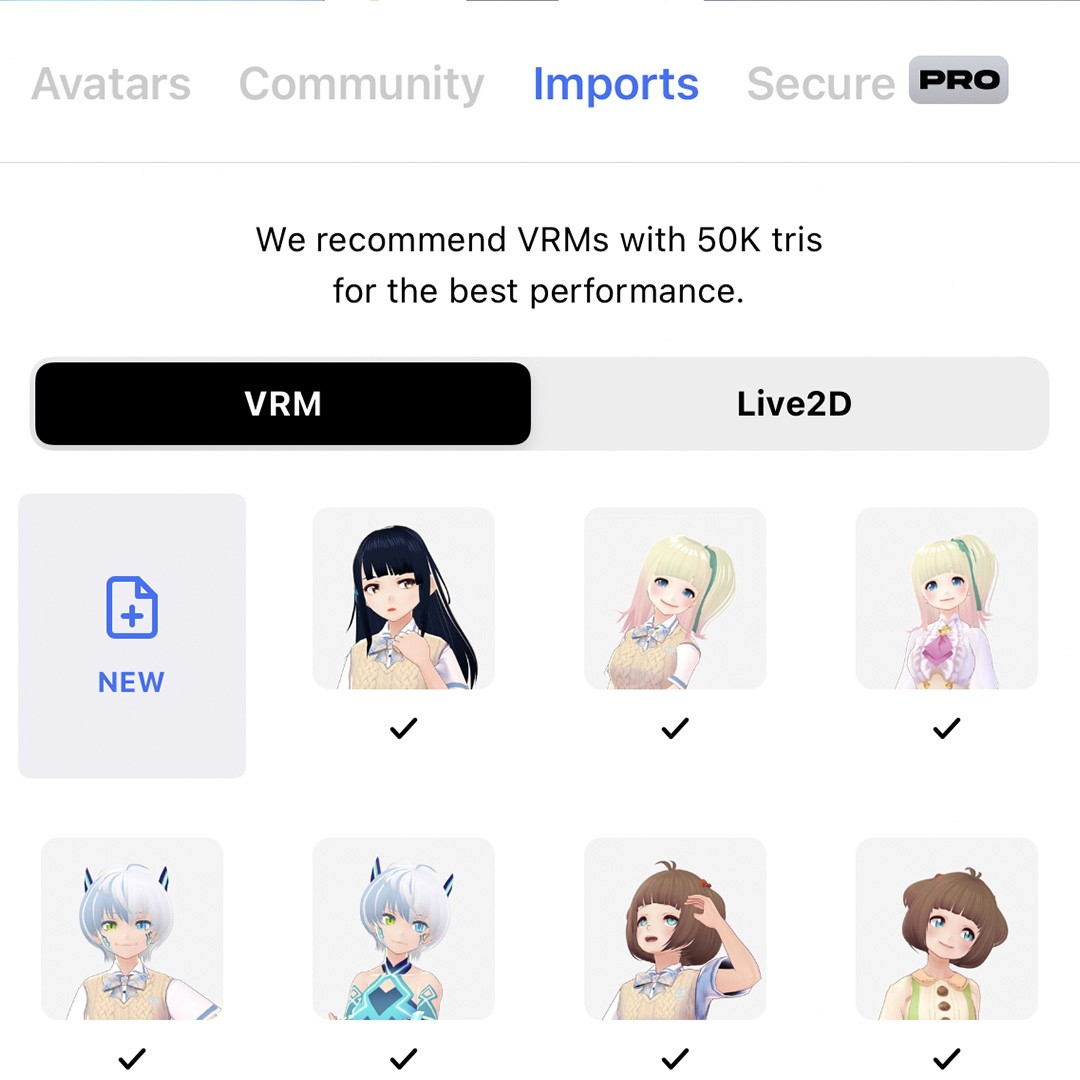
- In Hyper app, hit the Avatar button to access the character creation page. From there you will find 3 tabs labeled Avatar, VRMs, and Your Imports.
- To import your own VRM model, open the Your Imports tab and click on the "+" button.
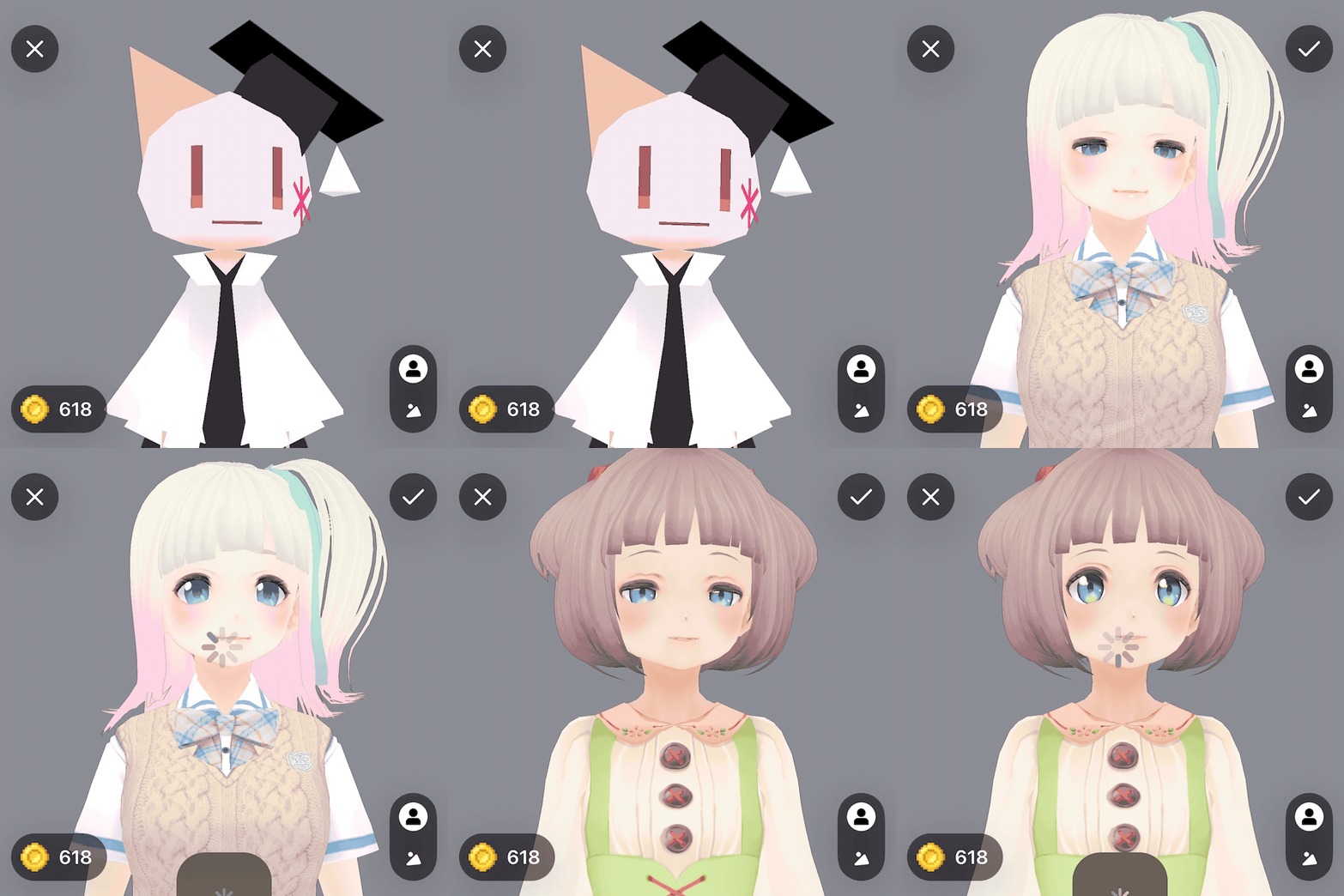
- Select the VRM file you would like to import from your device files and the model should appear on your screen. From here, you can either take a profile photo with your VRM model or hit the checkmark button on the top right corner if you’re happy with the result and exit.
Return to the home screen and now you can use this model to go live, stream using OBS, YouTube or Twitch, or even join a Discord or Zoom call with your friends!
Hyper Socials
Feedback
Have any questions or requests? Please e-mail feedback@hyper.online or drop a suggestion in our Discord so we can start working on it!
Thank you so much for reading! We hope to see you and your avatar in the Hyperverse! ✨
Additional Guides
You can easily configure Hyper to work with any third party streaming software like OBS or Streamlabs. To learn more, check out our guides:
- All about Hyper Online
- Import VRMs and use a custom character
- Setting up Collab Streams
- Use Hyper with Discord Webhooks
- Mirror your VTuber from iPhone to your PC
- Livestreaming with avatars using OBS
- VRM Optimization Guide
- Vtubing with Hyper's OBS plugin